WHAT YOU GET
One purchase. Both Mac builds.
Your $29.99 purchase includes both native Mac versions. Choose the installer that matches your computer after checkout.
Choose the right Mac build after purchase
Apple Silicon
For Macs with Apple M-series chips: M1, M2, M3, M4, and newer Apple Silicon.
Intel
For older Intel-based Macs.
Secure Mac distribution.
Both applications and DMG containers are Developer ID signed by TTTRN LLC, Apple notarized, and stapled. macOS may show its normal first-launch confirmation that the app was downloaded from the internet.
Install TRAKCAST
- Complete your TRAKCAST purchase.
- Choose the build that matches your Mac.
- Open the DMG and drag TRAKCAST to Applications.
- Open TRAKCAST from Applications and confirm the normal macOS internet-download prompt.
- Allow microphone or audio-input access when macOS asks.
- Choose a recording folder when TRAKCAST requests folder access.
Audio-input and folder prompts are normal macOS privacy permissions. TRAKCAST passes Gatekeeper; you do not need to bypass macOS security or use “Open Anyway.”
System requirements
- macOS 12 Monterey or later
- An Apple Silicon or Intel Mac using the matching native build
- A user-authorized SHOUTcast v1 or v2 station and reliable upload connection
- An available physical or virtual audio input
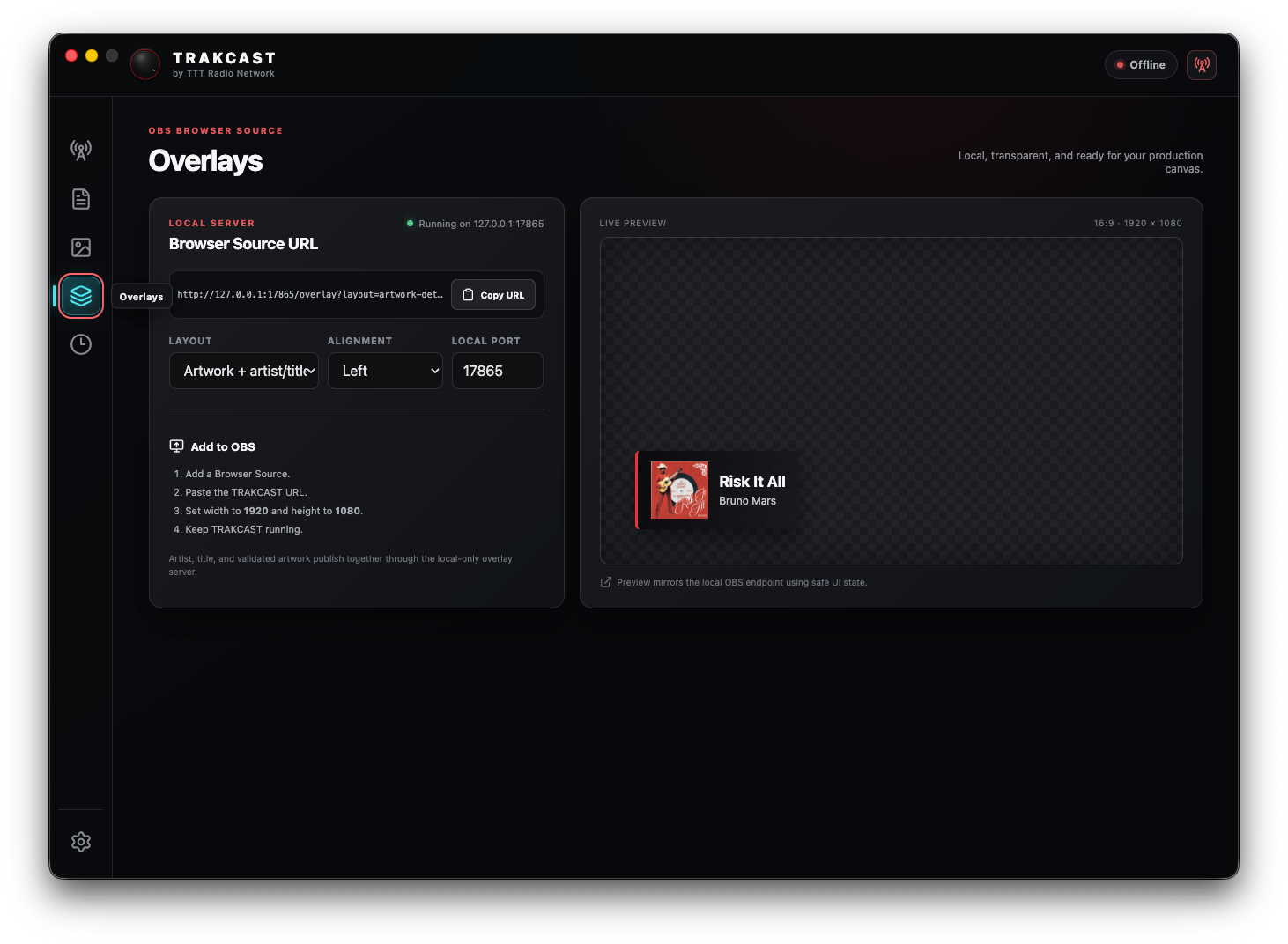
- OBS only if using a browser overlay
Current production support
- SHOUTcast v1 and v2 are supported production broadcast paths.
- Updates are installed manually.
- Serato metadata uses a configured public Live Playlist URL.
- VirtualDJ, Mixxx, and djay Pro metadata workflows are supported.
- Artwork lookup uses the secure TRAKCAST service; no user Discogs token is required.
FFmpeg and MP3 encoding notice
Each native build contains a matching thin FFmpeg encoder with LAME MP3 support. Exact corresponding source, build instructions, license texts, and build manifests are available from the TRAKCAST source-compliance bundle.
See the complete FFmpeg compliance materials and third-party notices.